What is Intel Forms?
Intel Forms is digital forms and workflow software for public safety agencies. It helps agencies replace paper forms, PDFs and disconnected processes with digital forms, configurable review and approval workflows, electronic signatures, centralized records and reporting.
Intel Forms is built around the way an agency already works rather than requiring personnel to change established processes to fit the software.
Who is Intel Forms built for?
Intel Forms is built for public safety agencies that need a more efficient way to manage operational, administrative, personnel and community-facing forms.
Police departments and sheriff's offices use Intel Forms today, and the flexible form and workflow structure can support the processes used across other types of public safety agencies as well.
What types of forms can Intel Forms manage?
Intel Forms can support almost any form-based process used by a public safety agency.
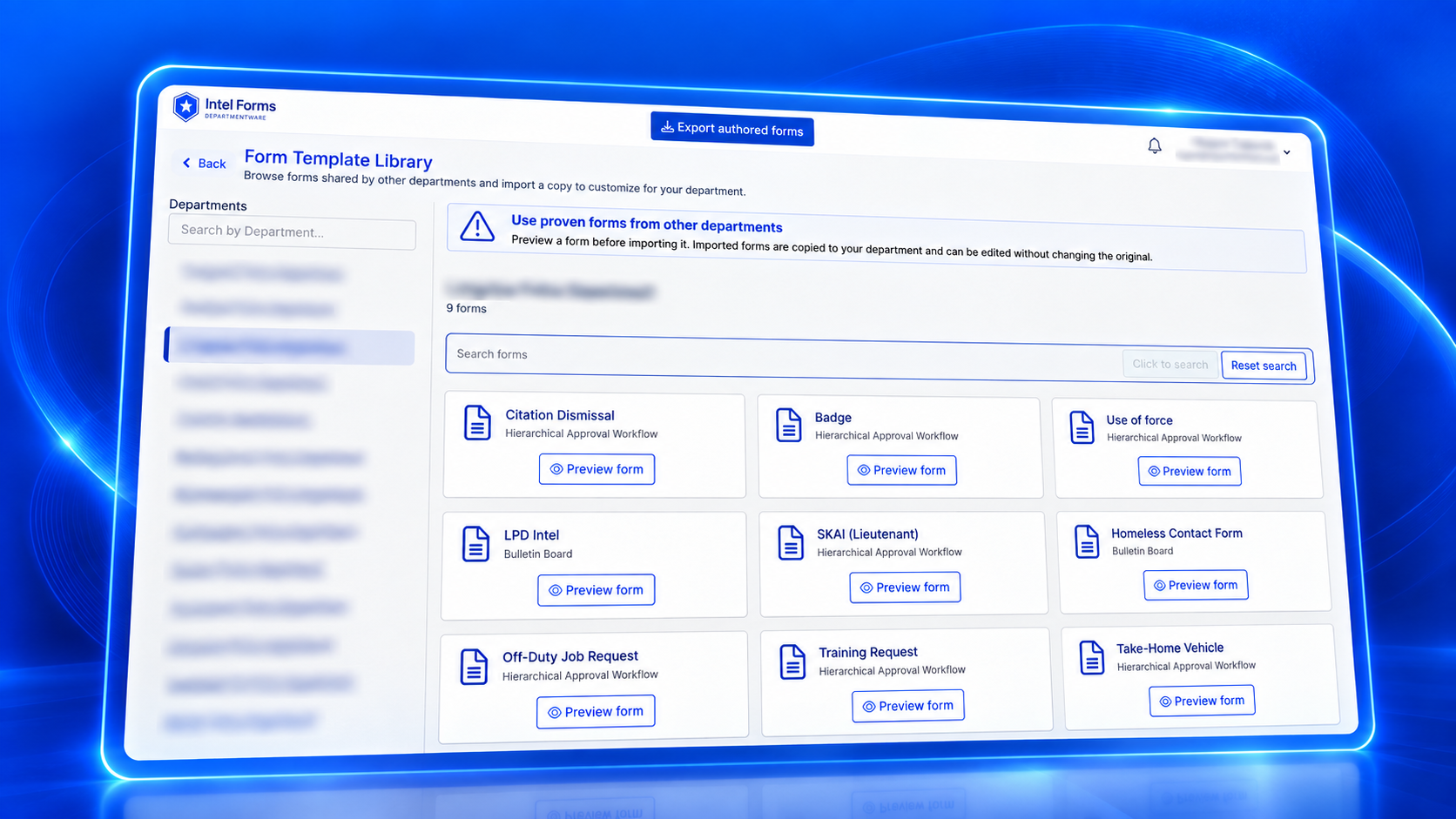
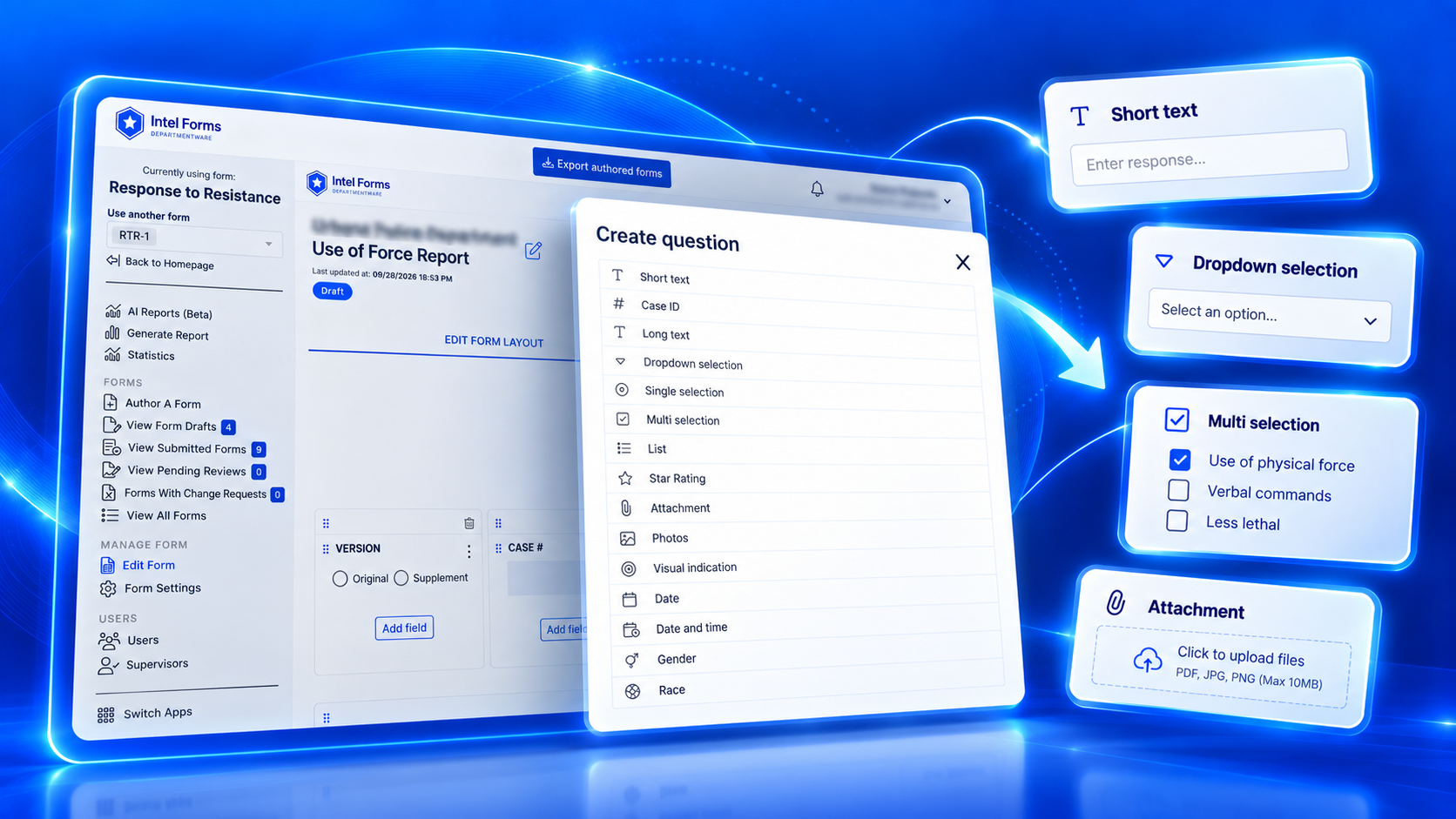
Common examples include Use of Force and Response to Resistance reports, employee evaluations, training requests, firearms qualification forms, awards and commendations, missing persons records, homeless contact forms, Vacation Watch requests, affidavits, patrol daily worksheets, meeting notes and internal job applications.
Agencies can also create forms for processes that are unique to their organization.
Do we have to change our existing processes?
No. Intel Forms is configured around the process your agency already uses.
A form can follow your existing chain of command, require several people to approve it at the same time, collect signatures, or simply be submitted and stored. The workflow depends on what that specific form requires.
Intel Forms supports both supervisory and command-level review processes while giving authorized personnel visibility into where a document is in the process.
What workflows does Intel Forms support?
Intel Forms supports several workflow types so different forms can follow different agency processes.
Hierarchical Review moves a form through required reviewers in sequence. Parallel Approval allows multiple people to review or approve at the same stage. Record Keeping is used when a form only needs to be submitted and stored. Intel Forms also supports Bulletins and Job Applications for processes that require a different type of interaction.
Can Intel Forms convert our existing PDF or paper forms?
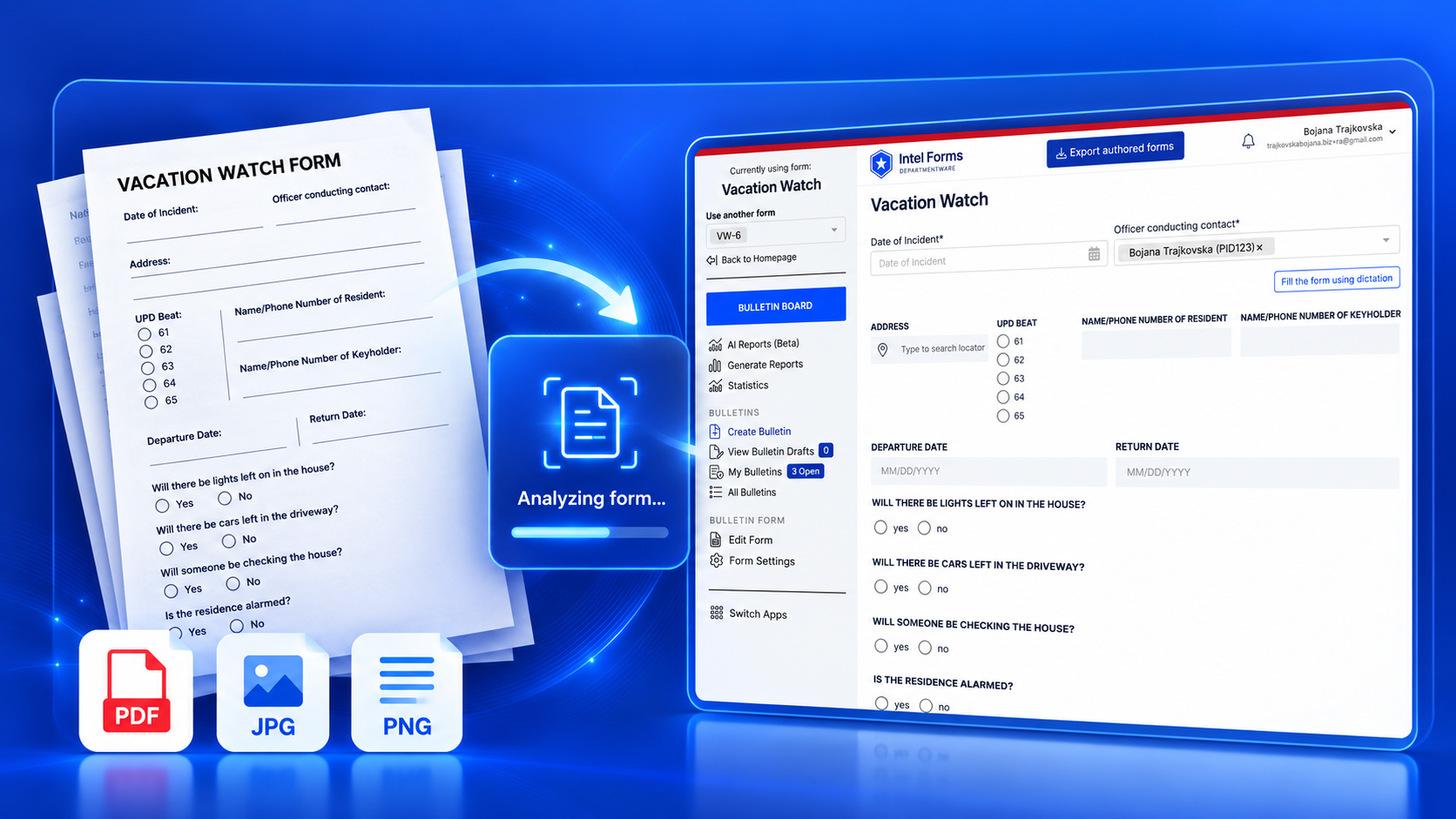
Yes. Agencies can upload a PDF or image of an existing form and use it as the starting point for the digital version.
Intel Forms can detect the structure of the uploaded form and create the form digitally. The agency can then configure the fields, requirements, conditional logic and workflow around its existing process.
This makes it possible to move away from paper without redesigning every form from the beginning.
Does Intel Forms support electronic signatures?
Yes. Intel Forms supports electronic signatures as part of the form workflow.
Personnel can sign directly from a computer or use supported Topaz signature pads. Forms can also collect external signatures when someone outside the Intel Forms system needs to sign.
The signature remains connected to the form and its activity history.
Can someone outside our agency complete or sign a form?
Yes. Intel Forms can provide a public link when someone who does not have an Intel Forms account needs to complete or sign a form.
This allows the agency to include members of the public or other external participants in a form process without creating an application account for them.
What reporting is available in Intel Forms?
Intel Forms includes predefined reporting as well as AI-powered reporting.
Because information submitted through forms is stored as structured data, agencies can report across the fields collected in those forms instead of reviewing documents one by one.
Authorized personnel can also describe the report they need using a prompt, allowing Intel Forms to create reports based on the information the agency already collects.
Reporting is one of the core customer outcomes identified for Intel Forms alongside easy form access and configurable approval flows.
Is Intel Forms an RMS?
No. Intel Forms and an RMS serve different purposes.
An RMS typically manages core law enforcement records and case information. Intel Forms manages the many operational, administrative, personnel and agency-specific form processes that may otherwise be handled through paper, PDFs, spreadsheets, email or separate form tools.
An agency can therefore use Intel Forms alongside its existing RMS.